



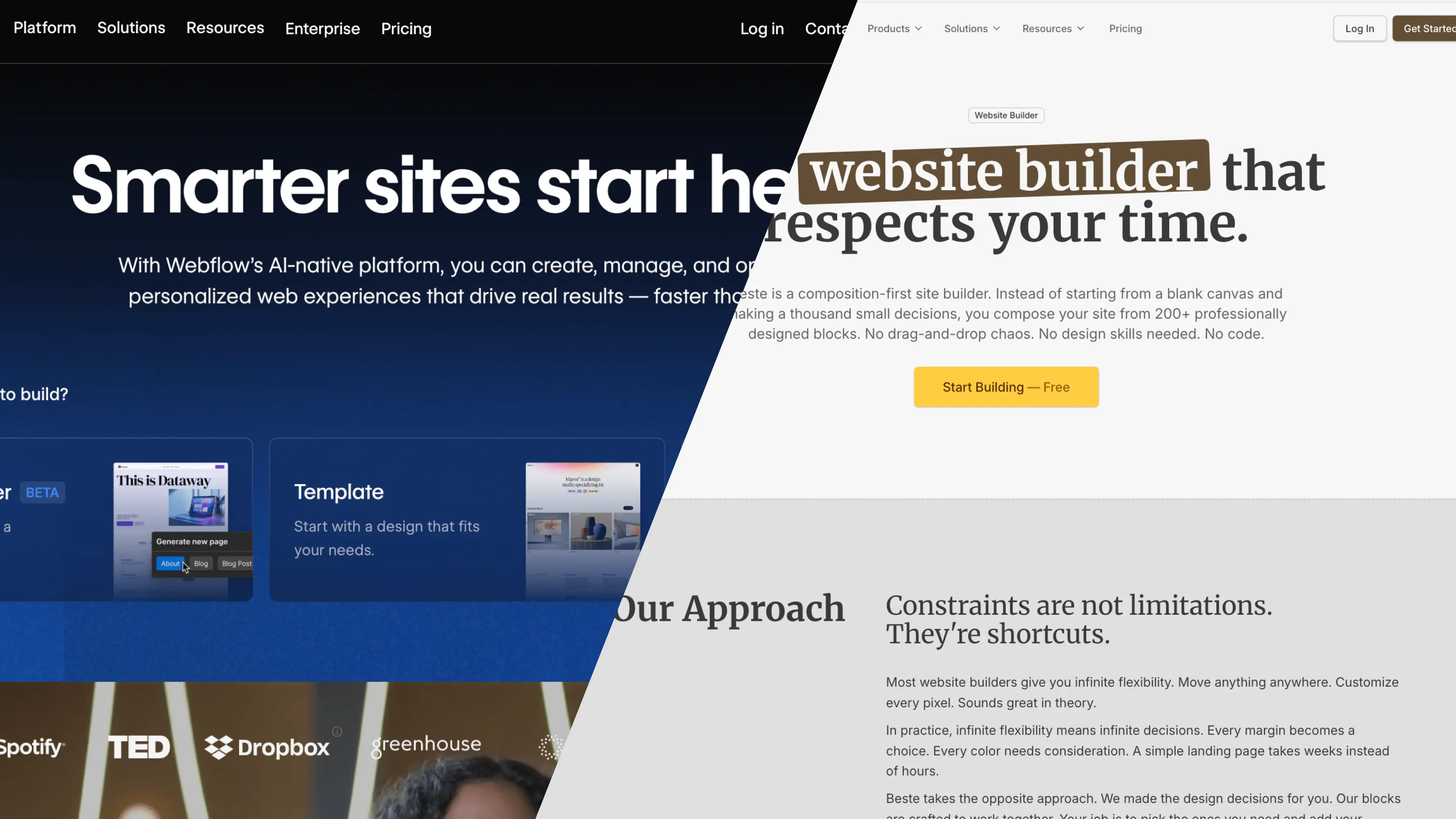
Webflow vs Beste
Full Control or Fast Results?
Website builders have a paradox. The more powerful they get, the harder they become to use. Features pile on top of features. Options multiply. And somehow, building a simple landing page becomes a month-long project.
Webflow is one of the most powerful website builders ever created. It gives designers incredible control over every pixel on the screen. The code it produces is clean. The CMS is robust. For certain projects, nothing else comes close.
But power comes with complexity. And complexity comes with costs that most comparison articles never mention.
This article compares Webflow with Beste honestly. You will understand exactly when each tool makes sense and which one fits your situation better.
Quick Comparison: The Essentials
| Webflow | Beste | |
|---|---|---|
| Best for | Designers who want full control | Non-designers who need to ship fast |
| Learning curve | Steep (weeks to months) | Minimal (hours) |
| Starting price | $14/month | Free |
| Free custom domain | No | Yes |
| Free multi-language | No ($30+/mo per locale) | Yes |
| Unlimited pages | Plan dependent | Yes, all plans |
| Time to first site | 1-4 weeks | 2-6 hours |
| Design flexibility | Maximum | Intentionally limited |
| CMS capability | Very powerful | Built-in section based CMS |
Who Is This Comparison For?
See how your workflow transforms when you switch from scattered tools to a unified platform.
This article is for people building:
- Landing pages for startups or products
- Portfolio websites
- Small business sites
- Personal blogs
- Marketing pages
This article is NOT for people building:
- Large e-commerce stores with complex inventory
- Custom web applications
- Sites requiring custom backend logic
Webflow: The Full Picture
What Exactly is Webflow?
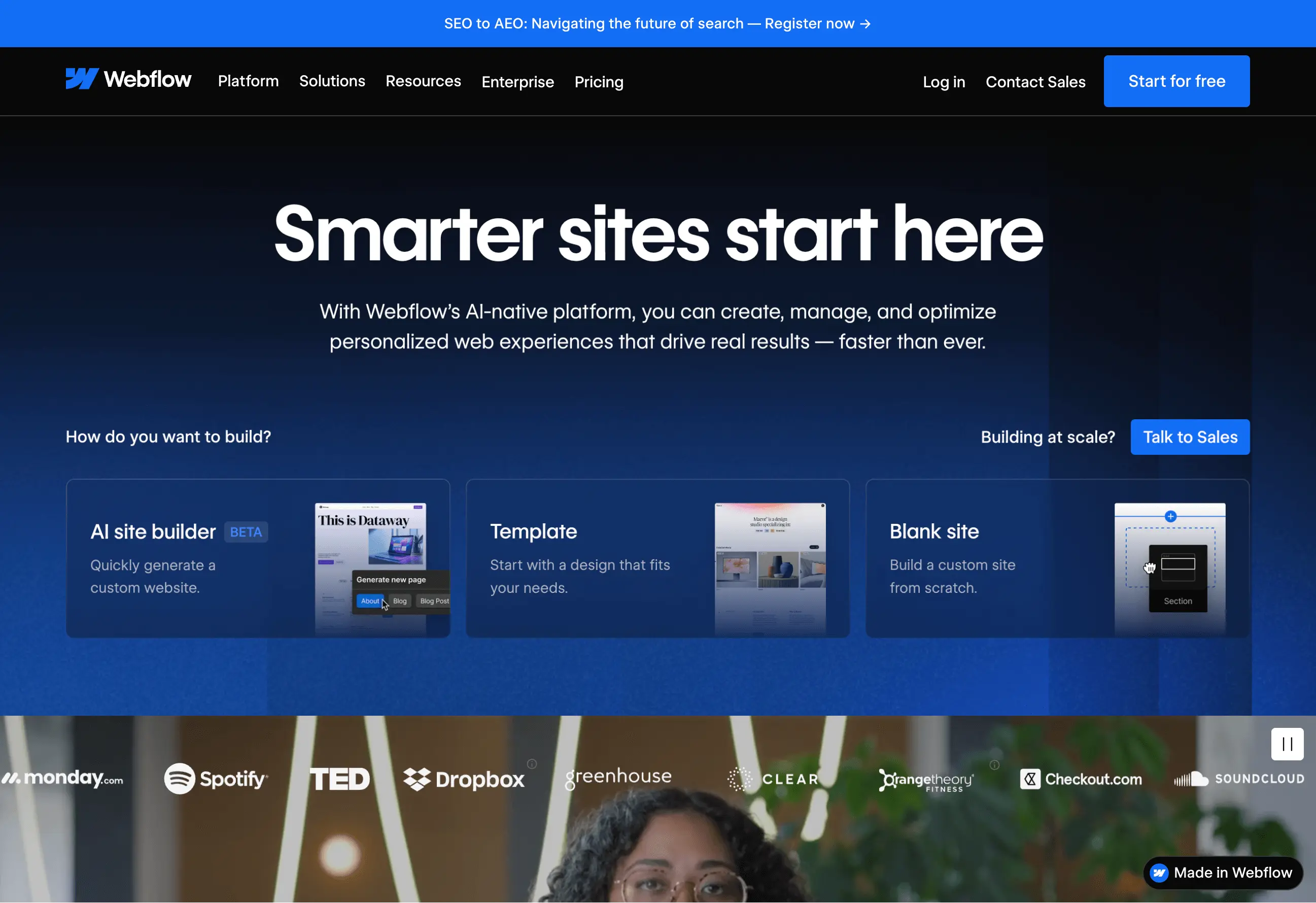
Webflow launched in 2013 with a bold promise: design visually, get production-ready code. No more handing designs to developers and hoping they build what you imagined. You design it yourself, and Webflow writes the HTML and CSS.
The idea worked. Webflow became the go-to tool for designers who wanted control without writing code. Today it is a complete platform with hosting, content management, e-commerce, and a marketplace of templates.
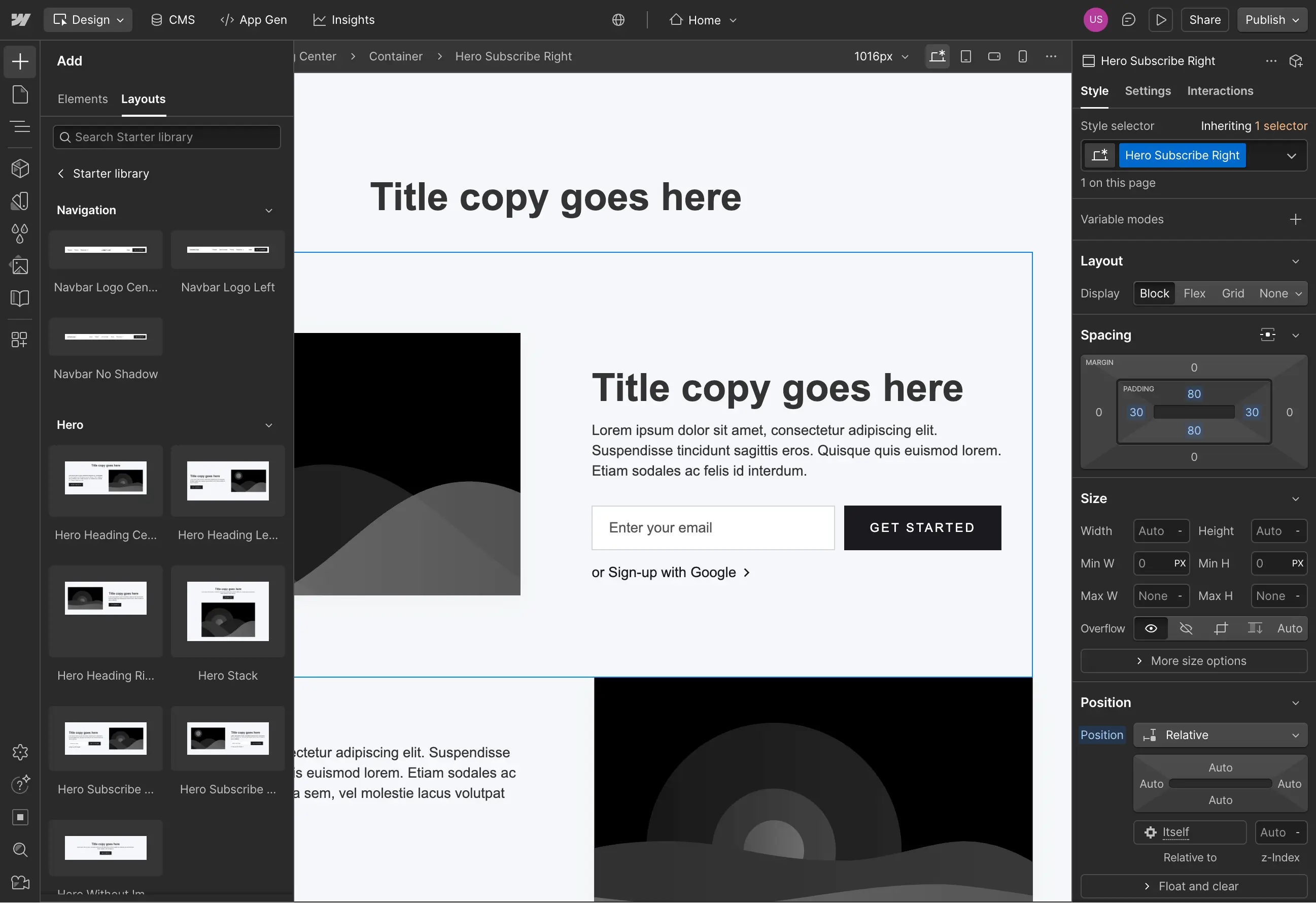
Think of Webflow as a professional design tool that happens to publish websites. It follows real web standards. The concepts it uses (flexbox, grid, responsive breakpoints) are the same concepts professional developers use.
What Webflow Does Exceptionally Well
Total design freedom. If you can imagine it, Webflow can probably build it. Every margin, padding, shadow, and gradient is under your control. You are not limited to templates or pre-built components. The canvas is yours.
Clean, semantic code. Many website builders produce bloated, messy code. Webflow does not. The HTML and CSS it generates follows best practices. This matters for performance, accessibility, and SEO.
Powerful content management. Webflow's CMS handles up to 10,000 items on the Business plan. You can create complex content structures: blog posts with authors, projects with categories, products with variants. Relationships between content types work smoothly.
Advanced interactions and animations. Scroll-triggered animations, hover effects, page transitions, parallax effects. Webflow's interaction builder gives you precise control over timing, easing, and triggers. You can create experiences that feel custom-coded.
Webflow University. The learning resources are genuinely excellent. Video tutorials cover everything from basics to advanced techniques. The community forum is active. When you get stuck, help is available.
Where Webflow Gets Difficult
The learning curve is serious. Webflow is not easy to learn. New users report needing 1-2 weeks just to build a basic site. Mastering Webflow (custom animations, complex CMS structures, responsive optimization) takes 3-6 months of regular practice.
Why? Because Webflow exposes real web design concepts. You need to understand the CSS box model. You need to know how flexbox works. You need to think about responsive breakpoints. These are not simple ideas for beginners.
The pricing structure confuses people. Webflow has site plans and workspace plans. They are separate subscriptions.
Site plans cover hosting for individual websites:
Basic: $14/month (no CMS)
CMS: $23/month (2,000 items)
Business: $39/month (10,000 items)
Beste: A Different Philosophy
What is Beste?
Beste approaches website building from the opposite direction. Instead of maximum flexibility, it offers strong constraints. Instead of a blank canvas, it offers pre-designed blocks. Instead of hundreds of options, it offers curated choices.
The philosophy is simple: constraints produce better results than freedom.
This sounds counterintuitive. We assume more options are better. But watch someone build a website in a flexible tool. They spend hours adjusting spacing. They second-guess color choices. They rebuild sections multiple times. The freedom becomes a trap.
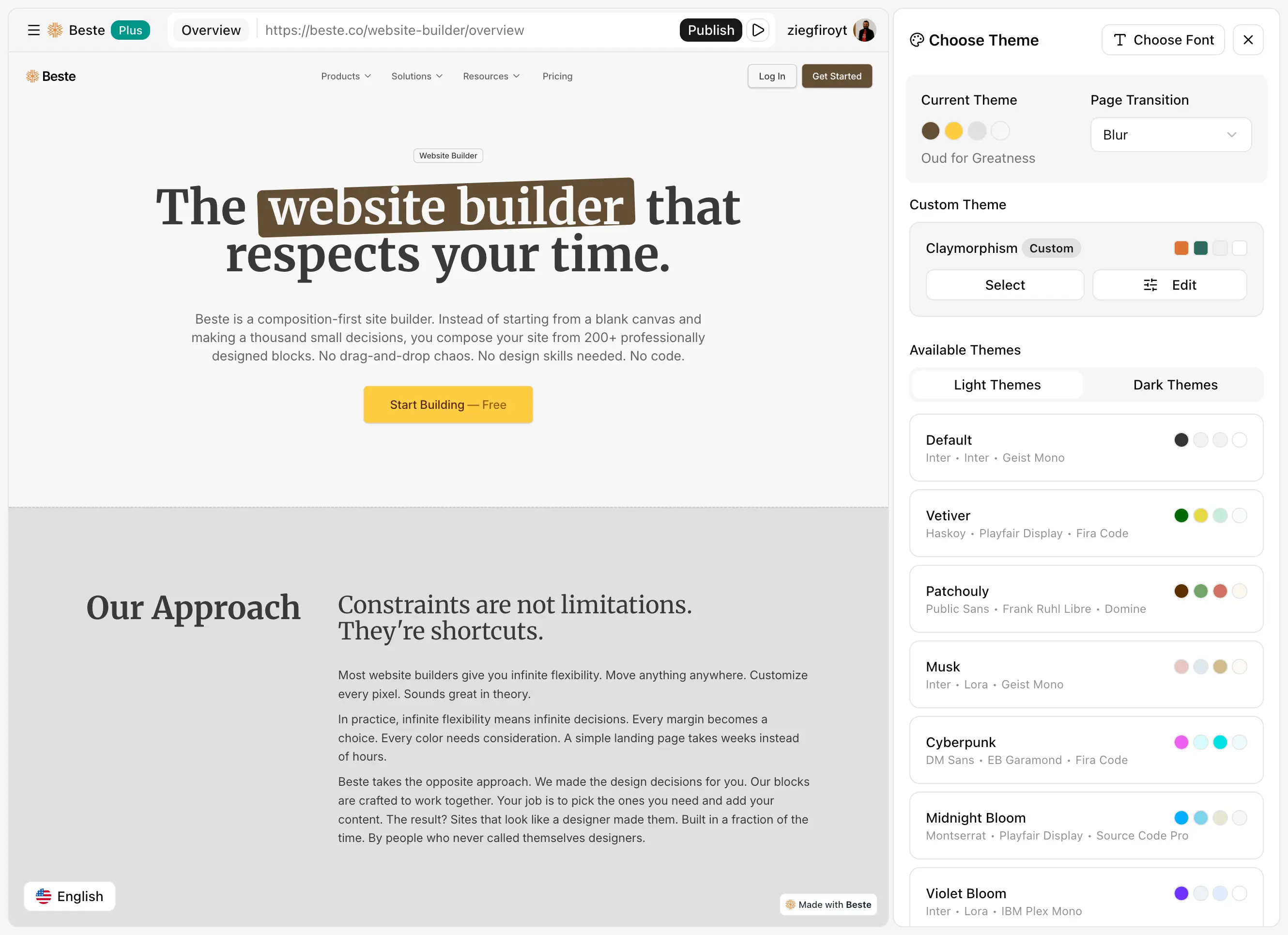
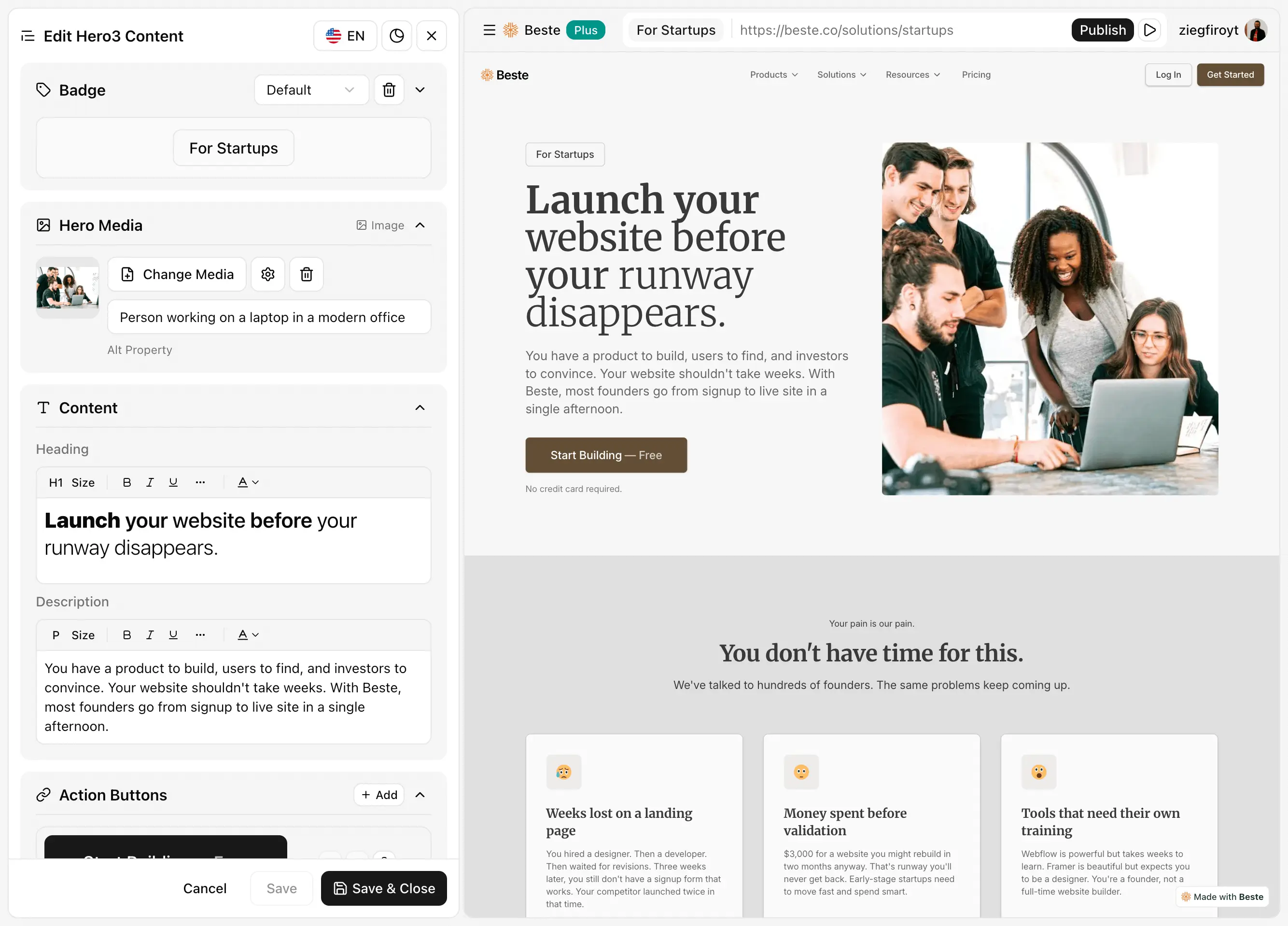
Beste removes that trap. The blocks are designed to work together. Customization happens in a clean sidebar, not through pixel-pushing. You focus on content. The design handles itself.
The Core Principles
No drag-and-drop. Placing elements freely sounds nice until you do it for 200 elements. Alignment breaks. Spacing becomes inconsistent. Every placement is a decision that drains mental energy.
Beste blocks have fixed structures designed by professionals. You choose which blocks to use. You do not position every element manually.
No inline editing. Clicking directly on text to edit it seems convenient. But with repeating content (testimonials, team members, feature lists), inline editing creates chaos. You cannot see all items at once. Consistency suffers.
Beste uses sidebar editing. All content appears in organized panels. You see everything together. Changes are predictable and consistent.
No code, actually. Many "no-code" tools still show you code or expect you to understand code concepts. Beste hides all of it. You never see HTML, CSS, or JavaScript. The technical layer is completely abstracted.
shadcn-based design system. Every block uses shadcn/ui, a popular component library known for clean, modern aesthetics. This creates automatic consistency. Blocks designed with the same system naturally look good together.
What Beste Does Well
Near-zero learning curve. Most users understand Beste completely within their first session. Pick blocks, customize content in the sidebar, publish. That is the entire workflow. No tutorials required.
Blocks that simply work together. This is the main advantage. Because every block follows the same design system, visual consistency is automatic. You cannot accidentally create an ugly website. The constraints protect you.
200+ professional blocks. Hero sections, feature grids, pricing tables, testimonials, call-to-action sections, footers, headers. Everything a landing page or portfolio needs, pre-designed and ready to use. New blocks added daily.
Free custom domain. Connect your own domain without paying. On the free tier. This is rare among website builders and removes a real barrier for people testing ideas.
Free multi-language support. 32 languages included without extra cost. While Webflow charges $30+ per additional locale, Beste includes translation capabilities for free.
Built-in blog. Write and publish articles without external tools. No separate CMS subscription. No integration headaches. The blog just works.
Professional integrations. Google Analytics, Google Tag Manager, Meta Pixel, PostHog, Tawk.to, Intercom. Connect your marketing and analytics tools without touching code.
What Beste Does Not Do
Limited design flexibility. This is intentional, but it is still a limitation. If your designer hands you a completely custom layout that breaks all conventions, Beste cannot build it. The blocks define what is possible.
Smaller community. Webflow has years of tutorials, forum discussions, YouTube channels, and third-party courses. Beste is newer. The community is growing but not yet at that scale.
Simpler CMS. The built-in blog handles articles and posts well. But if you need complex content relationships, conditional filtering, or tens of thousands of items, Webflow's CMS is more capable.
Not for custom web applications. Beste builds marketing sites, landing pages, portfolios, and blogs. It does not build web applications with custom functionality.
Webflow requires you to learn how websites work. Box model, flexbox, grid, responsive design. These concepts are valuable knowledge, but they take time to acquire.
Beste requires you to learn Beste. The sidebar interface. The block options. That is it. Most people figure it out immediately.
Design Flexibility vs. Speed
This is the core trade-off.
Webflow: Maximum flexibility, slower execution. You can build anything, but everything takes longer because everything is a decision.
Beste: Limited flexibility, faster execution. You build within constraints, but those constraints eliminate decisions and accelerate progress.
Which matters more depends on your situation:
Launching a startup? Speed probably matters more.
Building an agency portfolio that showcases your unique style? Flexibility probably matters more.
Creating a small business website? Speed probably matters more.
Designing a brand-defining marketing site? Flexibility probably matters more.
Time to Launch
For a simple landing page:
Webflow: 1-2 weeks (including learning for new users)
Beste: 2-4 hours
For a portfolio with multiple projects:
Webflow: 2-4 weeks
Beste: 1-2 days
For a small business site with blog:
Webflow: 3-6 weeks
Beste: 2-3 days
These estimates assume you are building something professional, not just throwing elements on a page.
The Hidden Time Cost
This is what most comparisons ignore.
If Webflow takes you 60 hours to learn and build your site, and your time is worth $50/hour, that is $3,000 in time cost. Add it to the subscription, and the real price looks different.
| Learning + Building | Time Cost at $50/hr | Year 1 Subscription | Total Year 1 Cost | |
|---|---|---|---|---|
| Webflow | 60-100 hours | $3,000-5,000 | ~$276 | $3,276-5,276 |
| Beste | 4-8 hours | $200-400 | $0-120 | $200-520 |
Even if your time is worth less, the gap is significant.
Real Scenarios: Which Tool Wins?
"I need a landing page for my startup this week."
Winner: Beste
You do not have time to learn Webflow. You need something professional online quickly. Beste's constraints become advantages here. Pick blocks, add your content, publish. Done in hours, not weeks.
"I am a freelance designer building client sites."
Winner: Depends on your clients
If clients pay premium prices and expect unique, custom designs, Webflow makes sense. You can charge more for the additional work.
If clients want professional sites at reasonable prices with fast turnaround, Beste lets you deliver more projects in less time. Higher volume, similar total revenue, less stress.
"I want my website to look completely unique."
Winner: Webflow
Constraints mean boundaries. If your brand requires a layout that breaks conventions, Beste cannot accommodate it. Webflow's flexibility is necessary for truly custom work.
"I tried Webflow and felt overwhelmed."
Winner: Beste
You are not alone. Many people try Webflow with excitement and leave with frustration. The learning curve is real. If you bounced off Webflow, Beste's simpler approach might be what you need.
"I need a content-heavy blog with thousands of posts."
Winner: Webflow
Beste's CMS is designed for simpler needs. For serious content operations with complex categorization and large volumes, Webflow's CMS is more appropriate.
"I am not a designer and do not want to become one."
Winner: Beste
Webflow gives you a blank canvas and says "create." If you lack design training, that canvas can produce unprofessional results. Beste's pre-designed blocks guarantee professional outcomes regardless of your design skills.
"I need my site in multiple languages."
Winner: Beste
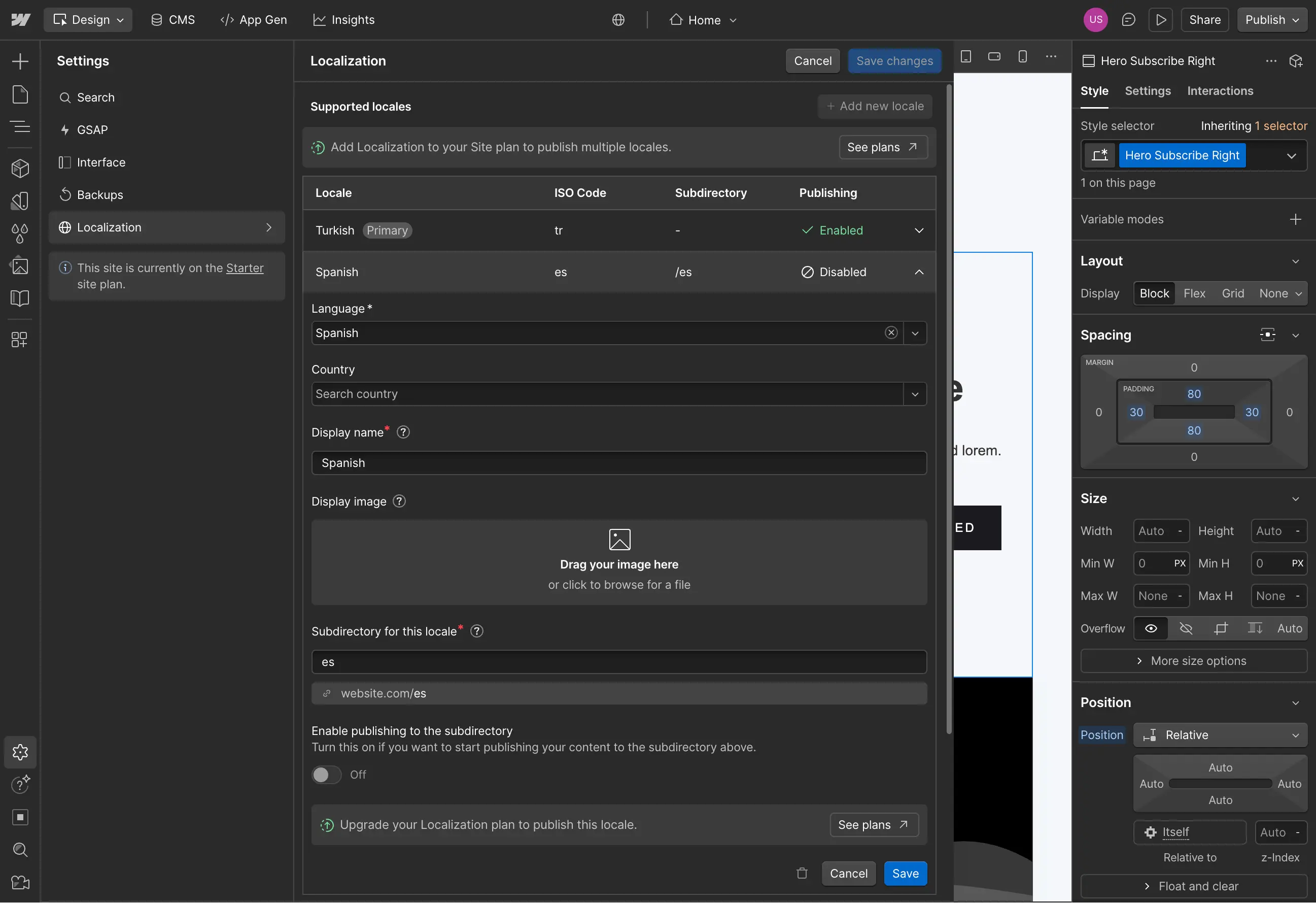
Webflow's localization is powerful but expensive. Each additional locale costs $30+ per month. A three-language site can cost $100+/month just for translations.
Beste includes 32 languages free. AI-powered translation available on Plus. For international businesses, the cost difference is significant.
Stay Updated
Conclusion: Making Your Decision
Choose Webflow if:
Design flexibility is your priority
You have time to learn (weeks to months)
Complex CMS requirements exist
You or your team have design skills
Budget includes time investment, not just subscription cost
Choose Beste if:
Speed to launch is your priority
You want to skip the learning curve
Simple CMS (blog) is sufficient
You want professional results without design skills
You prefer constraints that guide good outcomes
Multi-language is important and budget matters
Both are legitimate choices. Neither is universally "better."
The question is not which tool is more powerful. The question is which tool gets you to your goal.
Frequently Asked Questions
Is Webflow really that hard to learn?
For people with design or development backgrounds, it is manageable. For complete beginners, yes, it is hard. The interface exposes real web design concepts. Learning those concepts takes time regardless of the tool.
Can I switch from Webflow to Beste later?
There is no automatic migration. You would rebuild your site using Beste's blocks. For simple sites, this is often faster than the original Webflow build.
Is Beste too limiting for professional sites?
Define "professional." Many successful businesses run on simple, well-designed landing pages. If professional means "custom and unique," Beste may be too constrained. If professional means "clean and effective," Beste delivers.
What about e-commerce?
Webflow has built-in e-commerce features. Beste focuses on marketing sites and does not include built-in checkout. If selling products with integrated checkout is central to your site, Webflow is more complete. Beste works well for product showcases that link to external checkout systems like Shopify, Gumroad, or Stripe.
Which has better SEO?
Both produce SEO-friendly output. Webflow offers more granular control for advanced SEO tactics. Beste handles fundamentals automatically with customizable meta tags, sitemaps, and schema markup. For most sites, the difference is negligible.
Can I use custom code in Beste?
No. Beste is intentionally code-free. If you need custom JavaScript or CSS, Webflow (or traditional development) is more appropriate.
Final Thoughts
The best website is the one that exists.

Spending months perfecting a tool means months without a website. Spending weeks learning means weeks of delay. Sometimes the "simpler" tool that gets you live today beats the "powerful" tool that keeps you building forever.
Webflow is powerful. That power has costs. Beste is constrained. Those constraints have benefits.
Choose based on your situation, not on which tool sounds more impressive.
Then stop comparing and start building.
Latest Articles
Deep dives into website building, design decisions, and shipping faster.